Private office
The Private office section allows you to view and edit the current user’s information.
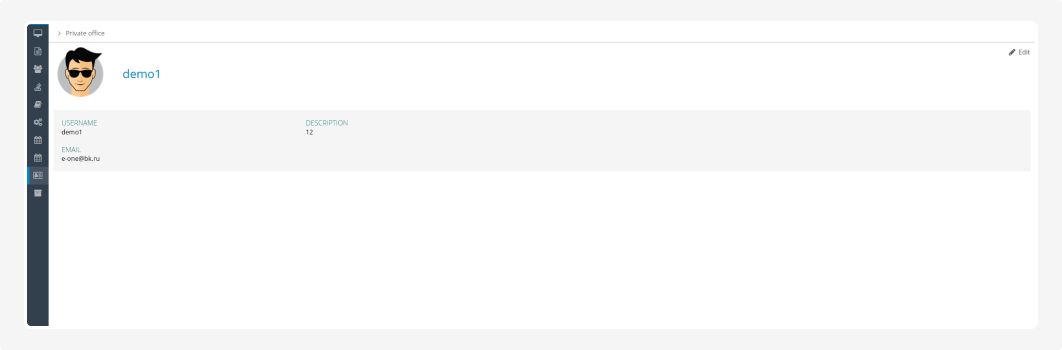
The page displays:
-
the user’s avatar and name
-
username
-
email address
-
description
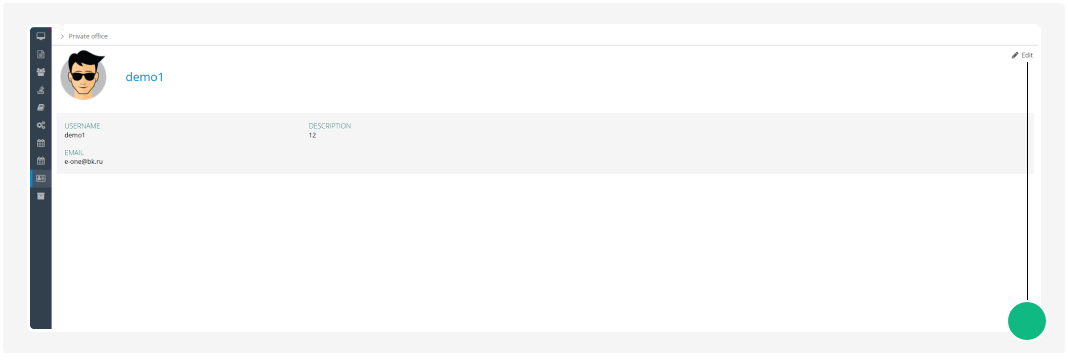
To edit your profile, click Edit.
Profile fields
The editing form is divided into three sections.

General information
-
Fullname — the user’s name
-
Email — email address
-
Password — new password
-
Confirm Password — re-enter the new password
If you do not want to change the password, leave both password fields empty.
Personal information
-
Birthday
-
Phone
-
City phone
-
Extension number
-
Skype
Other information
-
Address
-
Position
-
Department
-
Description — additional information about the user
Saving changes
After making the changes, click Save.
If you decide not to edit the profile, click Cancel. The entered data will not be saved.