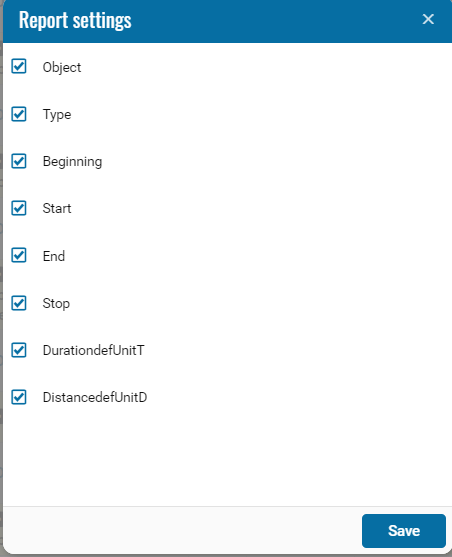
Trips and stops with levels
The Trips and stops with levels report provides information about the movements and parkings of selected monitoring objects during the specified period. The data is grouped by object and date and displayed as summary rows that can be expanded to view the detailed sequence of events.
Each summary row shows the start and end times and locations of the reporting interval, its total duration, and the total distance traveled. To view the movements and parkings included in it, click the 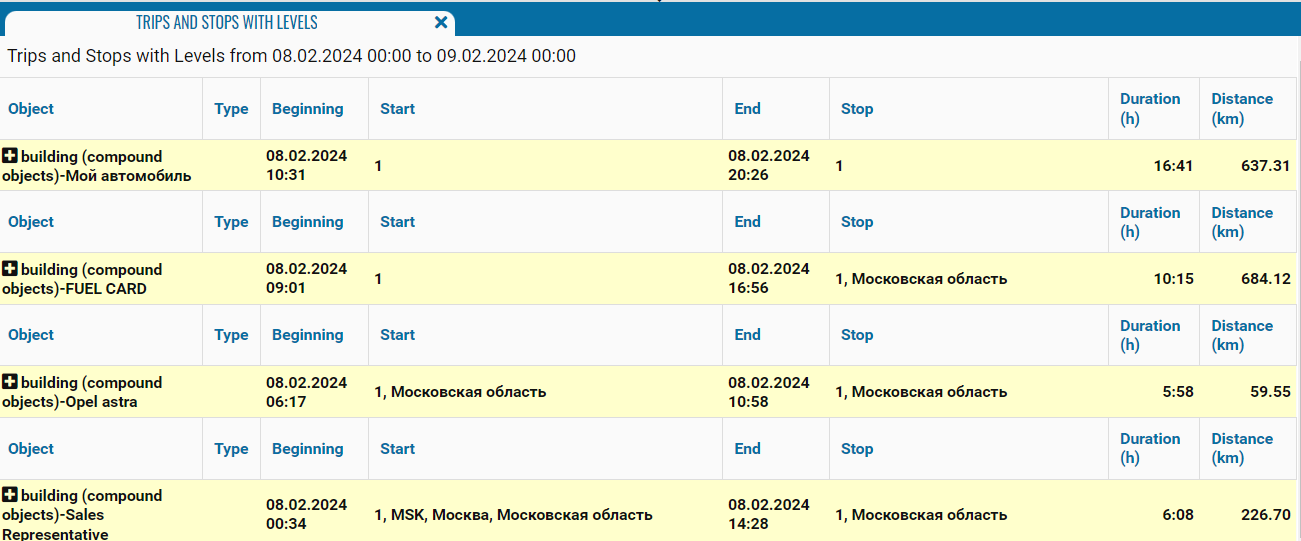 button to the left of the object name.
button to the left of the object name.
What the report shows
• Object — the name, registration number, or fleet number of the monitoring object
• Type — the event type: Movement or Parking
• Beginning — the date and time when the movement or parking began
• Start — the movement start address or parking location
• End — the date and time when the movement or parking ended
• Stop — the movement end address; for a parking, it usually matches its start location
• Duration (h) — the duration of the corresponding movement or parking
• Distance (km) — the distance traveled during the movement; zero is displayed for a parking