Vehicles
The Vehicles tab controls the user’s access to monitored objects. The user can see only the objects selected here in PILOT.
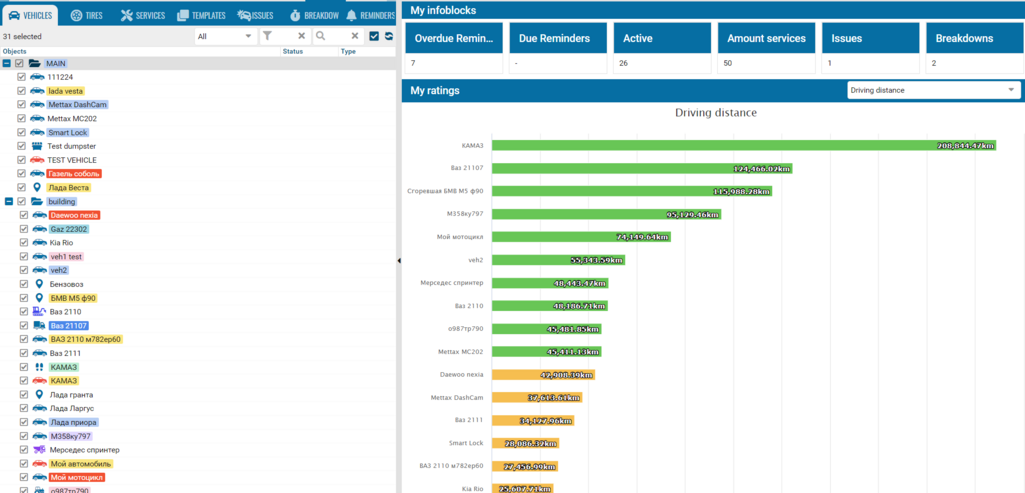
To grant access:
1. Open the user card
2. Select the Vehicles tab
3. Expand the required folder
4. Select the checkboxes next to the objects that should be available to the user. To select all objects in a folder, select the checkbox next to the folder name
5. Click Save
New objects are not assigned to users automatically. After creating or importing an object, open the user cards of the relevant users and grant access manually. This also applies to objects received from a mapping account.
|
To revoke access to an object, clear the corresponding checkbox and save the changes.