RFID Tags
The RFID Tags module is used to create and manage RFID tags for automatic object identification within the monitoring system.
RFID tags help the system identify which object a vehicle has interacted with. For example, they can be used to determine which container was serviced by a garbage truck or which checkpoint a vehicle has visited.
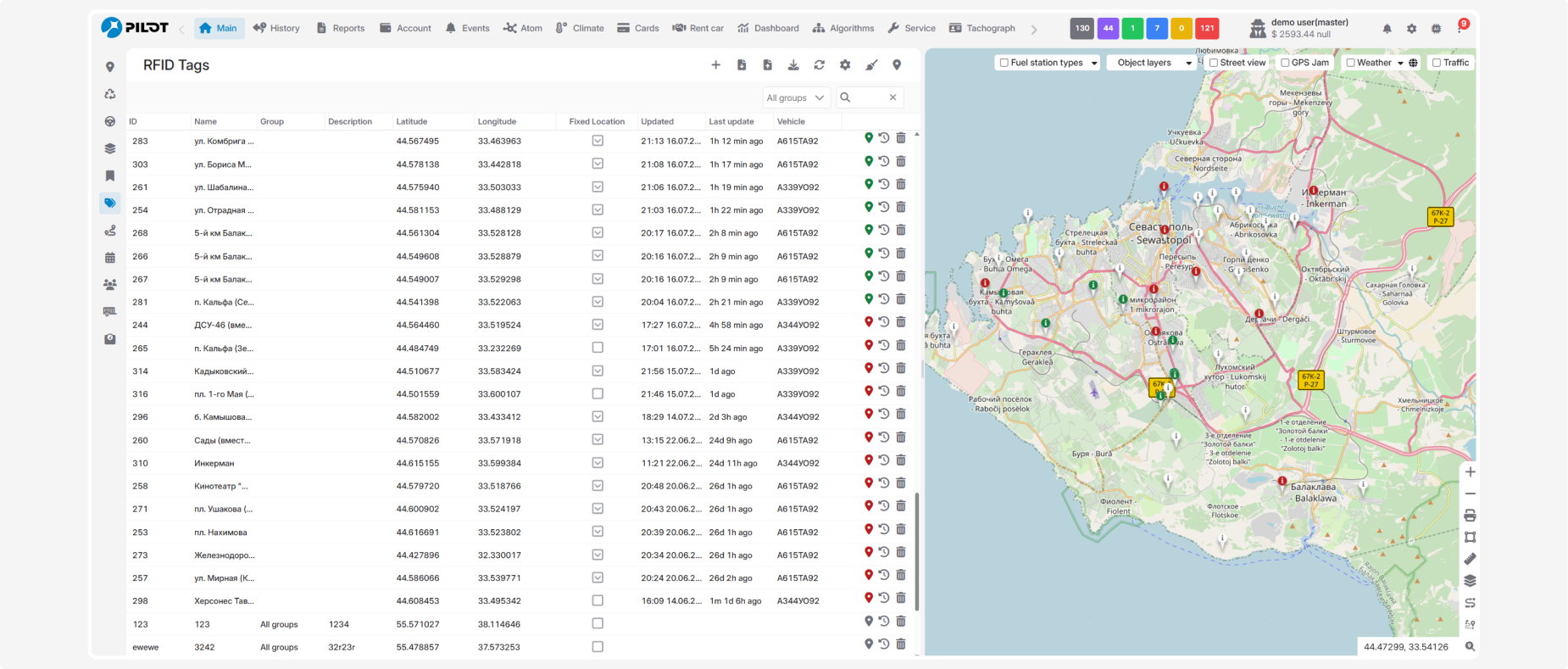
In this module, you can:
How RFID Tags work
RFID requires two main components:
-
RFID reader — a device installed on a vehicle that detects nearby RFID tags
-
RFID tag — a device with a unique identifier attached to a container, trailer, piece of equipment, or another object
When an RFID tag enters the reader's detection range:
1. The RFID reader installed on the vehicle detects the tag
2. The reader reads the tag's unique identifier and sends it to PILOT
3. PILOT searches for an RFID tag with the same identifier in the RFID tag directory
4. If a matching tag is found, the system updates its latest read information
5. If any automated actions are configured for the tag or its associated object, PILOT performs them automatically
RFID use cases
Automatic trailer attachment
An RFID tag is installed on the trailer, while the RFID reader is installed on the towing vehicle. When the trailer enters the reader's range, PILOT identifies the tag and can automatically attach the trailer to the vehicle.
Route verification
RFID or BLE tags are installed at checkpoints such as bus stops, warehouses, company facilities, or other locations. When a vehicle passes within range of a tag, PILOT records the checkpoint visit.
Container service tracking
RFID tags are attached to containers, and RFID readers are installed on garbage trucks or other service vehicles. When a tag is read, PILOT records information about the serviced container, including the time, location, and the vehicle that performed the service.
Vehicle Identification
RFID tags can be used to automatically identify vehicles when they enter company premises, pass through checkpoints, or perform operational tasks.
Driver identification
An RFID tag can be assigned to a driver. After the tag is read, PILOT identifies the driver and can associate trips, events, or completed tasks with that driver.