Detailed trip log
The Detailed trip report shows how a vehicle moved during the selected period. It includes trip times and routes, vehicle locations, driver details, and driving speeds.
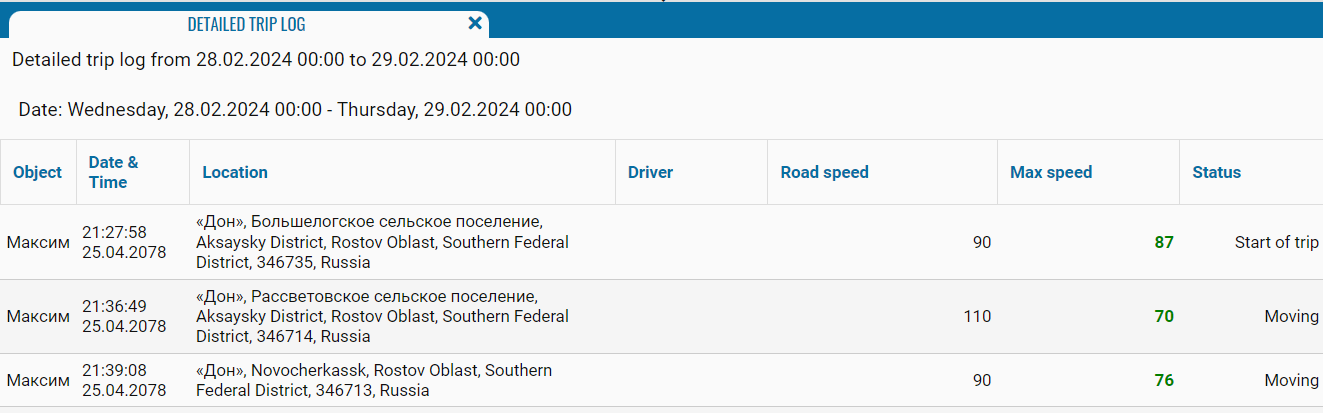
You can generate the report for one vehicle at a time. The selected period cannot exceed three days.
What the report shows
-
Object — the vehicle included in the report
-
Date and time — the date and time of the event
-
Location — the vehicle’s location at that time
-
Driver — the driver assigned to the vehicle during the trip
-
Road speed — the vehicle’s speed at the specified route point
-
Max. speed — the maximum speed on the corresponding route segment
-
Status — the event type, such as the start of a trip or the end of parking
The report also provides the following summary for each trip:
-
trip number
-
duration
-
average speed
-
maximum speed
-
distance travelled