Engine lock
The Engine lock module allows you to remotely lock and unlock a vehicle through the system.
To use this feature, a special engine lock relay must be installed in the vehicle.
|
How to enable the module
The setup is done in the Admin panel at the account level.
1. Open the account card
2. Right-click the account to open the context menu and select Edit
3. Go to the Modules tab

4. Enable the Engine lock module
5. Save the changes
Command configuration
The module can be linked to your command templates.
1. In the Admin panel, open the account card.
2. Go to the Module settings tab
3. Select the Engine blocking module
4. In the Configs section, add the configuration:
-
arm_template_id — ID of the command template used to lock the engine
-
disarm_template_id — ID of the command template used to unlock the engine
In the Value field, enter the ID of the created command template
5. Save the account settings
After that:
— when clicking Lock, the system will send the command from arm_template_id
— when clicking Unlock, the system will send the command from disarm_template_id
How to lock or unlock the engine
1. In the user panel, select the required vehicle
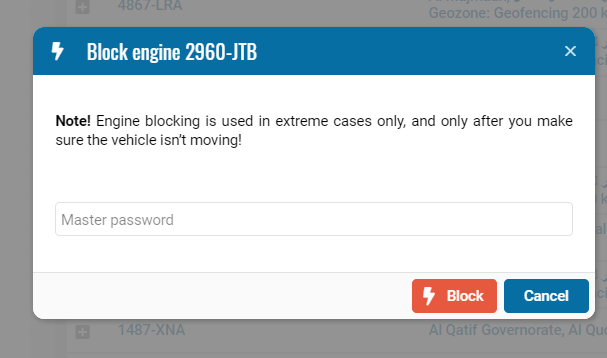
2. Right-click the vehicle to open the context menu
3. Select Block or Unblock
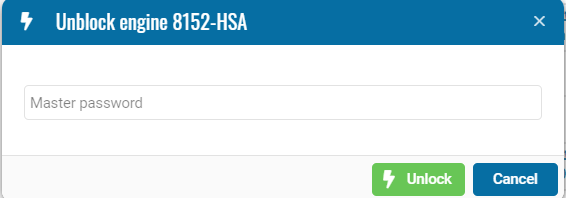
4. Enter the account password to confirm and click the appropriate button

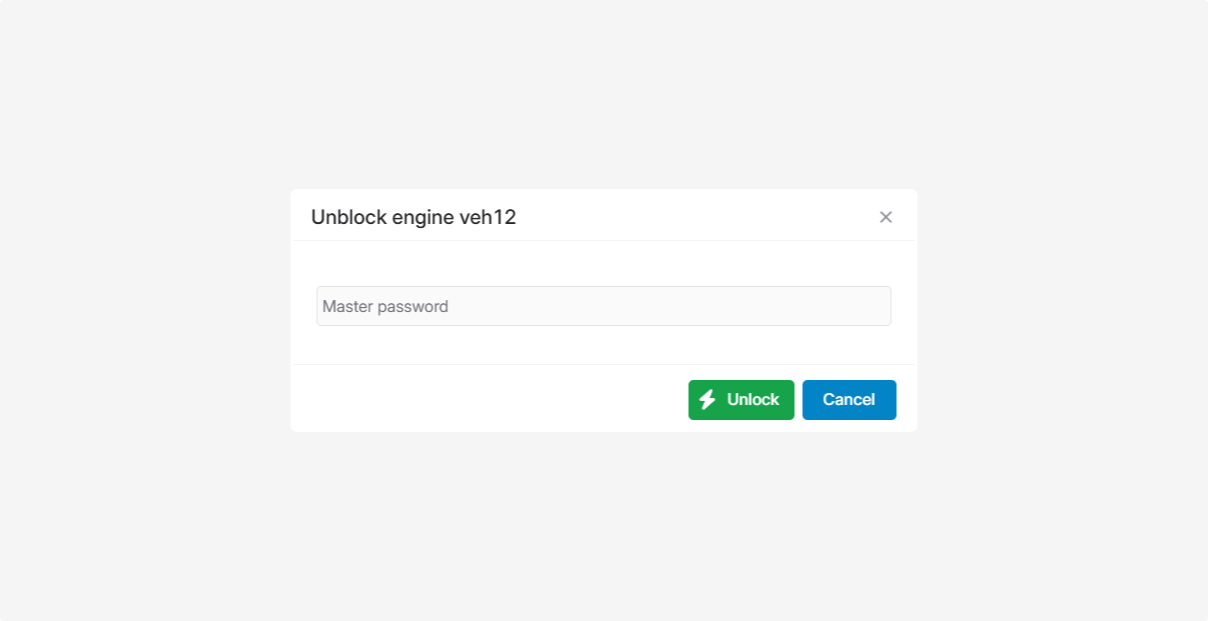
After confirmation, the command will be sent to the device.
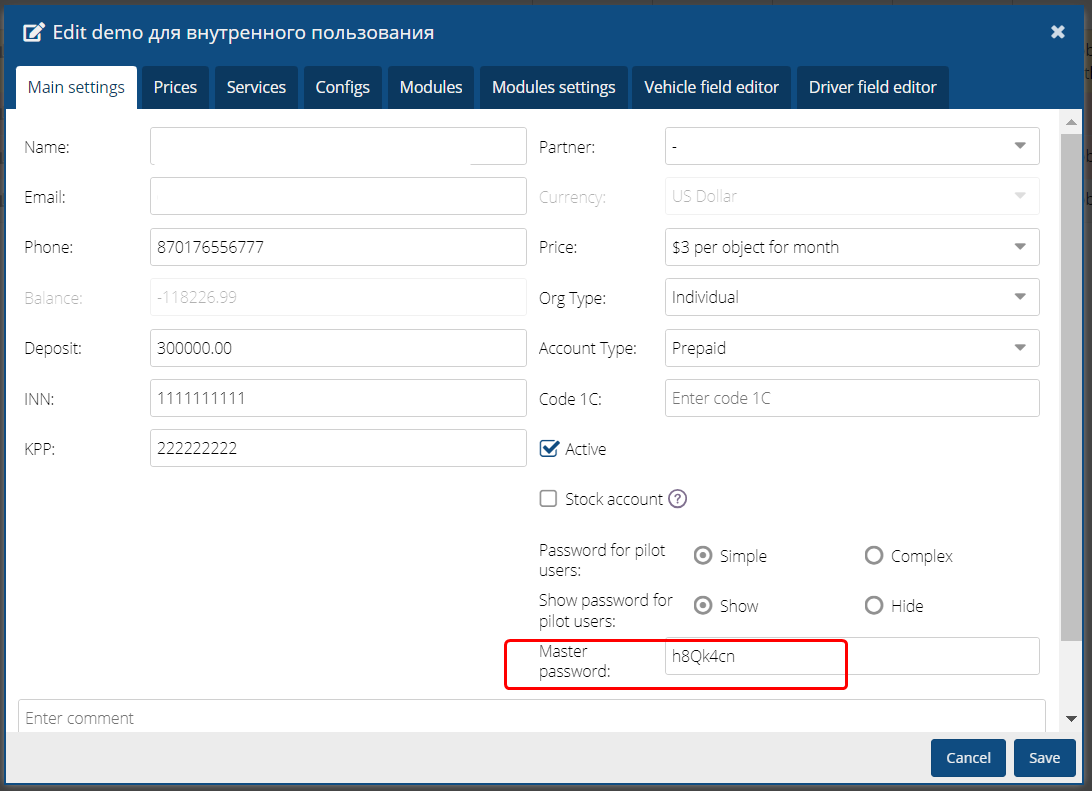
The account password specified in the account card is used for confirmation.
