Fleet size
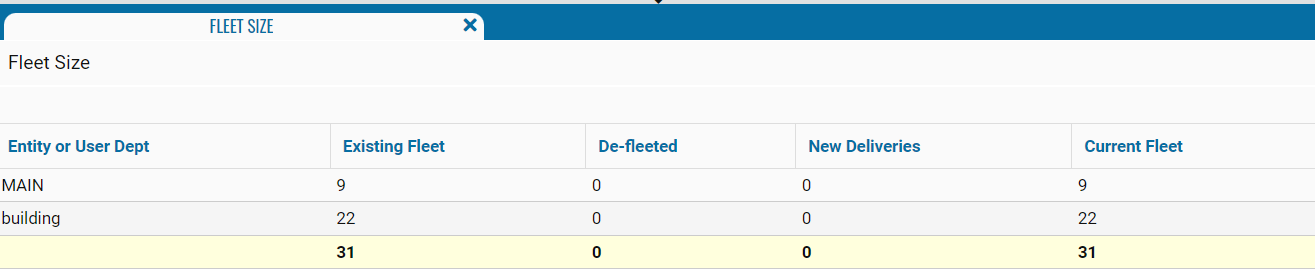
The Fleet Size report provides information about the number of vehicles in user groups and changes in fleet composition during the reporting period. It allows you to assess the initial fleet size, track new deliveries and vehicles removed from service, and determine the current number of vehicles.
What the report shows
• Entity or User Dept — the name of the user group for which the values were calculated
• Existing Fleet — the number of vehicles assigned to the group at the beginning of the reporting period
• De-fleeted — the number of vehicles removed from the group or taken out of service during the reporting period
• New Deliveries — the number of vehicles added to the group during the reporting period
• Current Fleet — the number of vehicles assigned to the group at the end of the reporting period
The bottom total row shows the total number of vehicles in the existing fleet, the total number of de-fleeted vehicles and new deliveries, and the current size of the entire fleet.