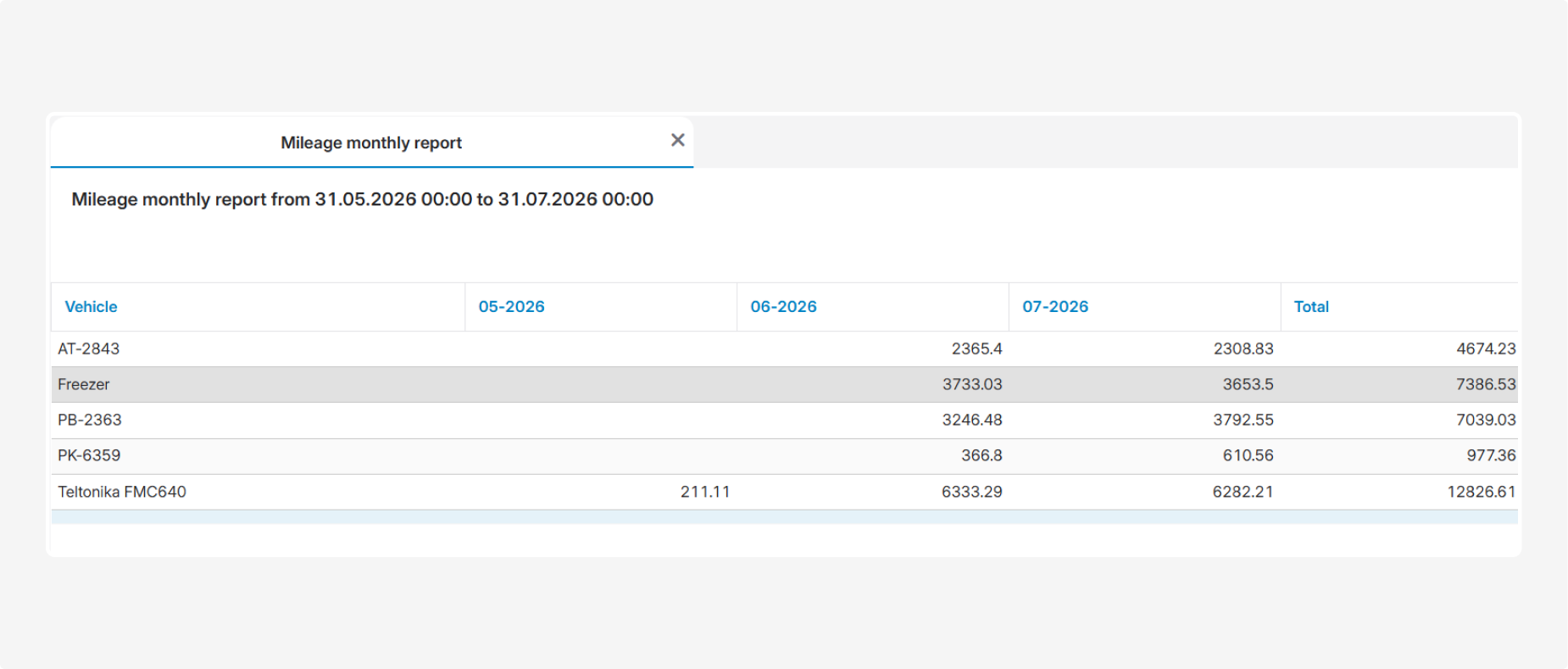
Mileage monthly report
The Mileage monthly report provides information about the distance traveled by the selected vehicles during each month of the reporting period. It allows you to compare monthly mileage and view the total mileage of each vehicle for the entire selected period.
Before generating the report, select the vehicles and a period covering one or more months. The system automatically divides the data by calendar month and creates a separate column for each month.
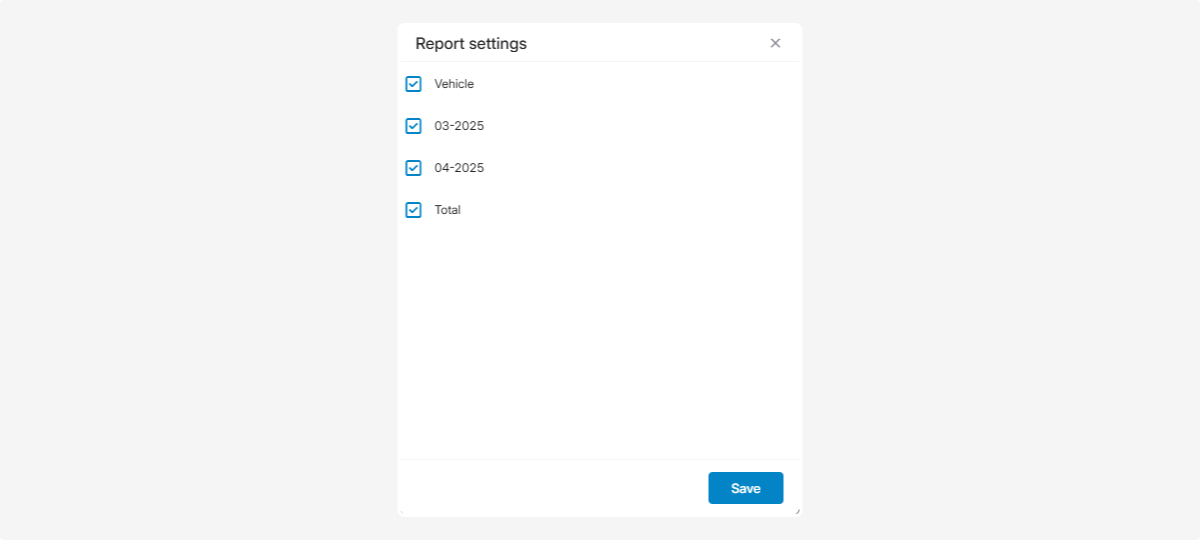
What the report shows
-
Vehicle — the name or identification number of the monitoring object
-
Month — the vehicle’s mileage for the corresponding month
-
Total — the vehicle’s total mileage for the entire selected period