Private office
When you select Private office from the menu, you are taken to your personal workspace.
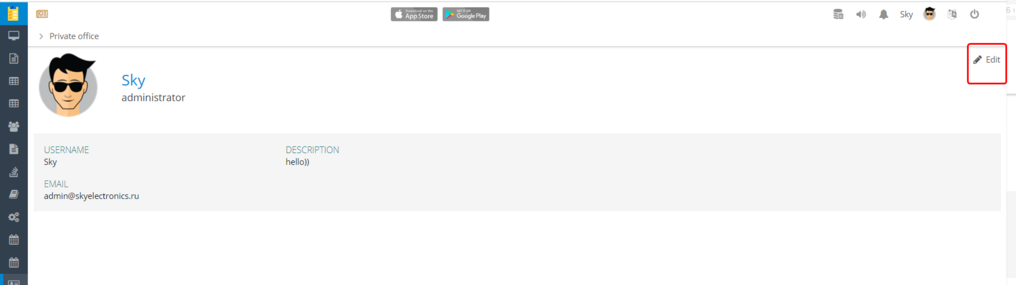
In the Private office, you can view and edit your profile information:
-
Name
-
Email
-
Password
-
Date of birth
-
Phone numbers
-
Additional information — address, job title, department, description
To update your information:

1. Click Edit
2. Make the necessary changes

3. Click Save to apply the updates
You can also open the Private office by clicking the profile icon  in the top-right corner of the top panel.
in the top-right corner of the top panel.