Dictionary
The Dictionary section stores settings and data lists used when creating and processing tasks.
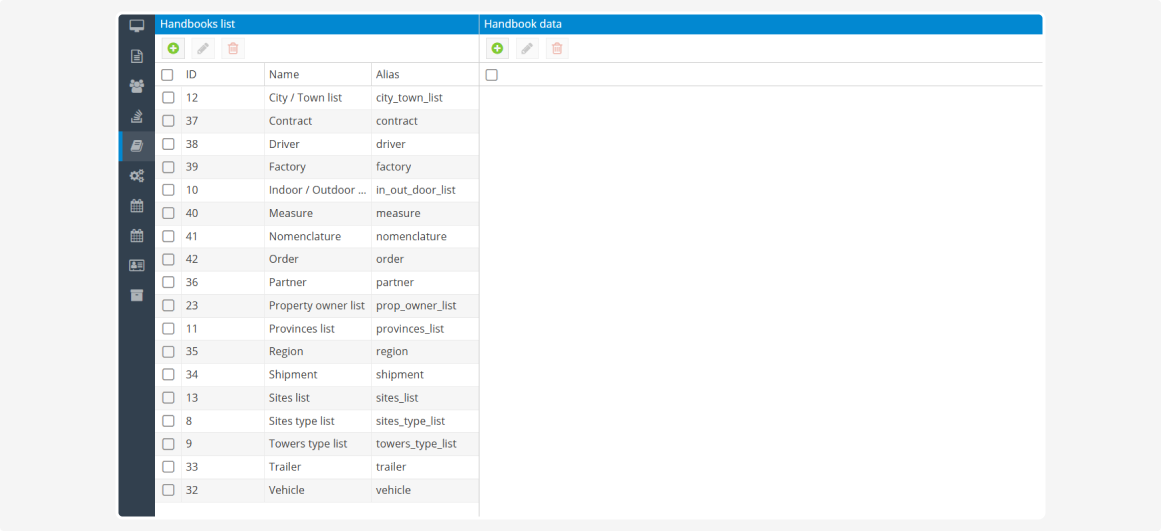
Dictionaries help you:
-
select predefined values instead of entering them manually
-
configure task cards
-
link fields to drop-down lists
-
store addresses, vehicles, and driver data
-
define statuses, priorities, and task types
-
configure notifications and user permissions
For example, dictionaries allow you to select a vehicle from a list, specify a driver, assign a task priority, select a delivery address, or configure automatic status changes when a vehicle enters a geofence.
The Dictionary section may not be available in all accounts. If it is not displayed in the menu, contact support.
|
After the section is enabled, it may not contain any records yet. If a dictionary is available for editing, you can create and configure the required values yourself.
Some dictionaries are system dictionaries. They are required for PILOT to operate and may contain predefined values that cannot be changed manually. For example, task priority levels are predefined in the system.