Top panel
The top panel provides quick access to PILOT’s main sections and tools. Here, you can view object statuses, check notifications and your balance, open settings, or ask AI Support a question.
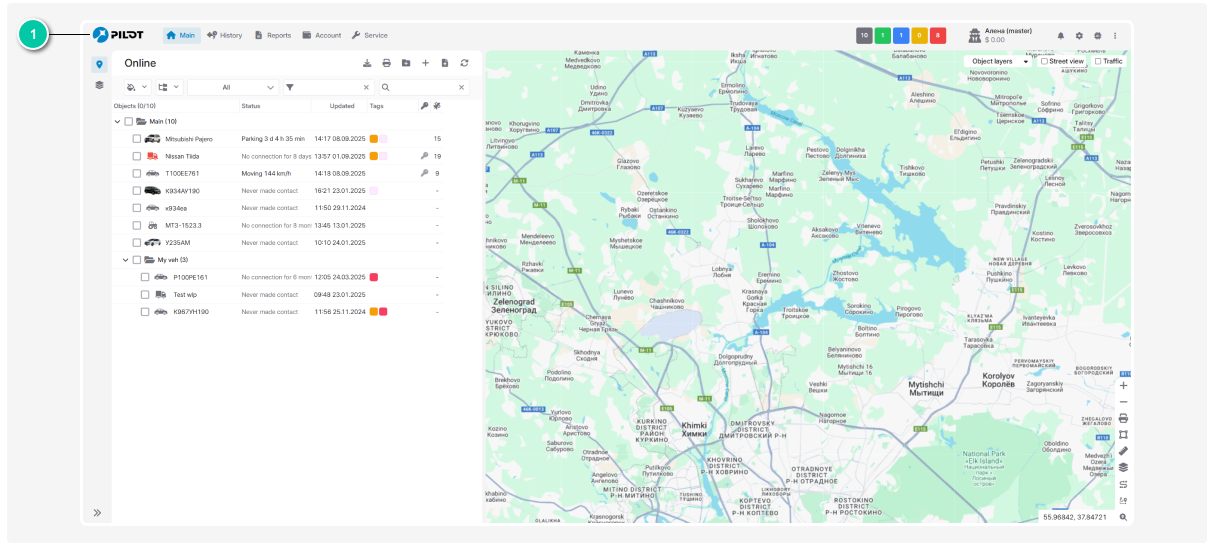
The top panel contains:

-
Navigation menu — access to the main system sections
-
Object statuses — the number of objects in each status
-
Username and balance — information about the current account and its balance
-
Notifications icon — access to notifications
-
Account configuration settings — access to contract settings
-
AI Support — help with using PILOT
-
Additional settings menu — access to additional features and extensions
The available toolbar items depend on the enabled features and your access rights.